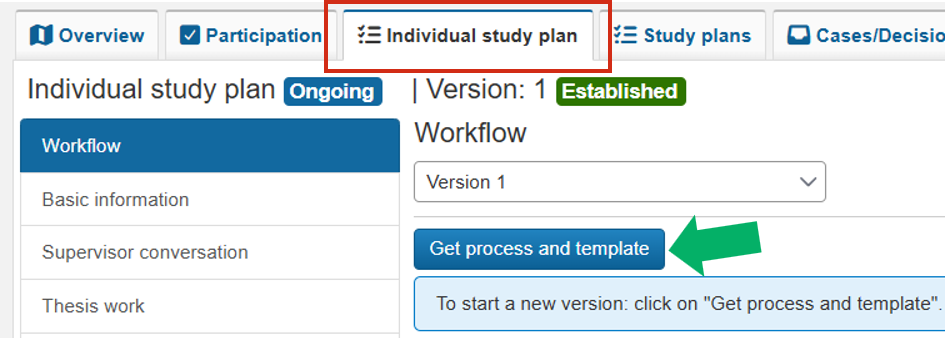
Create new ISP version
A new version of the individual study plan (ISP) is created when it is time for a new round of planning and follow-up together with the doctoral student.
How to
- Go to the tab My doctoral students (ISP) on your home page
- Find the doctoral student in the list and click on their personal identity number
- You are now redirected to the Individual study plan of the doctoral student
- Click Get process and template.
A new, not yet established version is created. The workflow shows what the next step is to update the content.