Update new ISP version (doctoral student)
When a new version of your individual study plan has been created, you and your principal supervisor work together to update it.
How to
Find your ISP
- Log in to Ladok for students
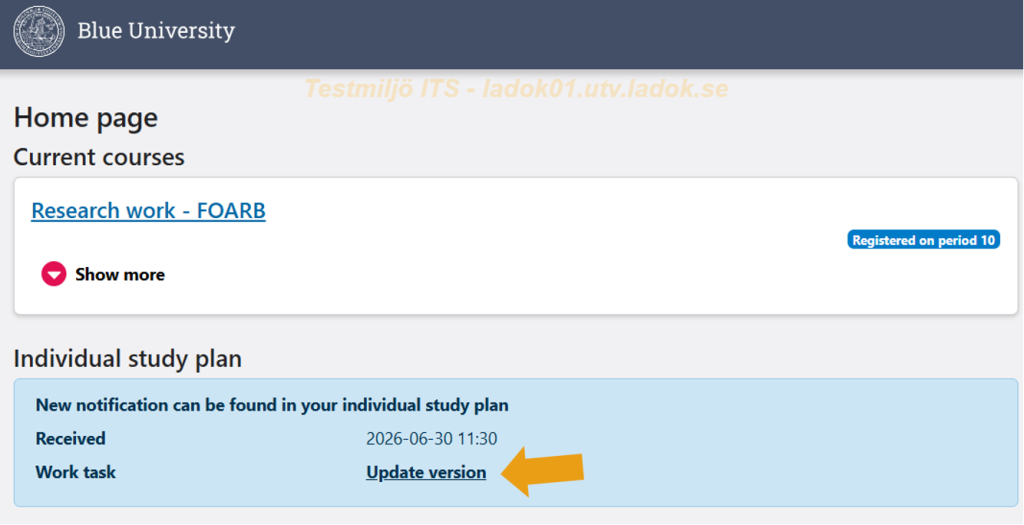
- On the start page there is a link to your ISP. Click on it.
Find what you need to do
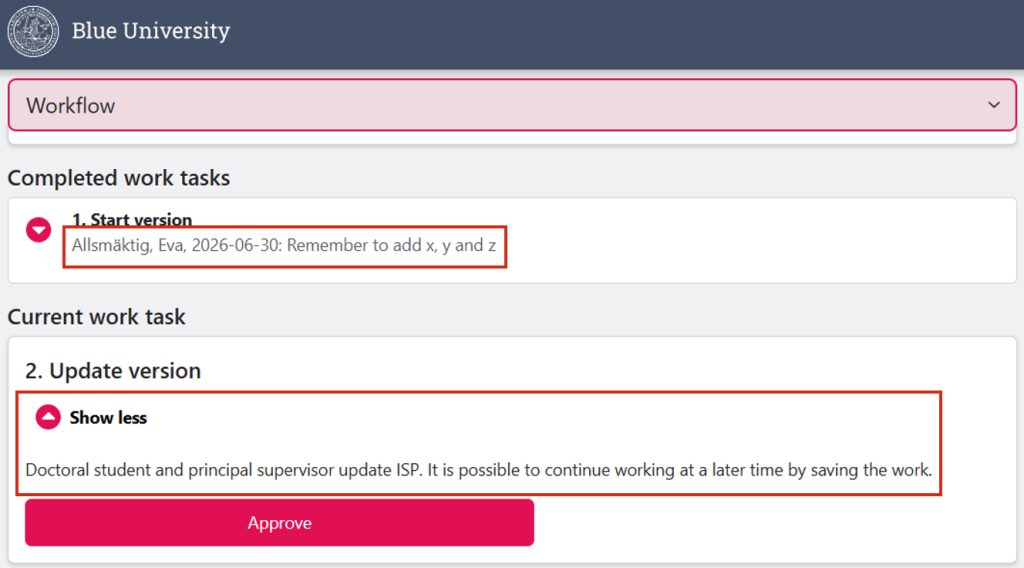
- Under Current task, you can see what you need to do now. Click Show more to see a longer description.
- Under Completed tasks, there may be messages from others who have worked on the ISP.
Update the ISP on the different pages
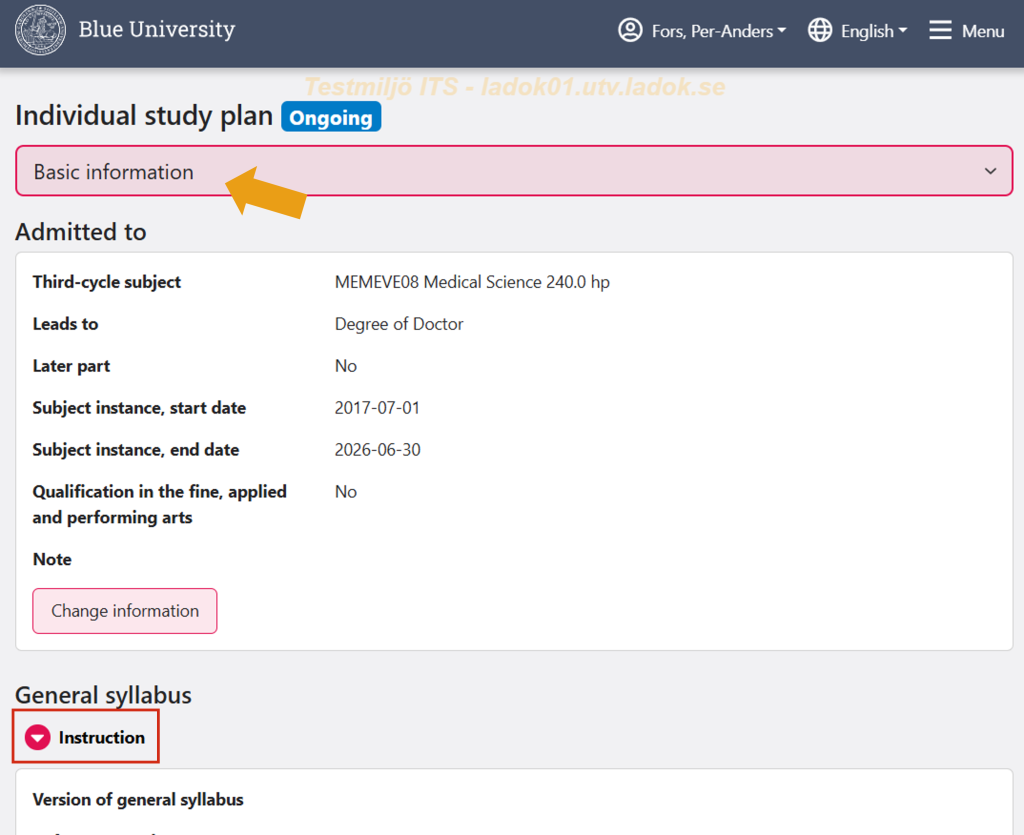
Use the drop-down menu at the top of the page to access the different parts of the ISP. There you can read information and make changes.
The pages may include an Instruction. Expand it to see the instructions that applies specifically to your university.
Move forward in the workflow
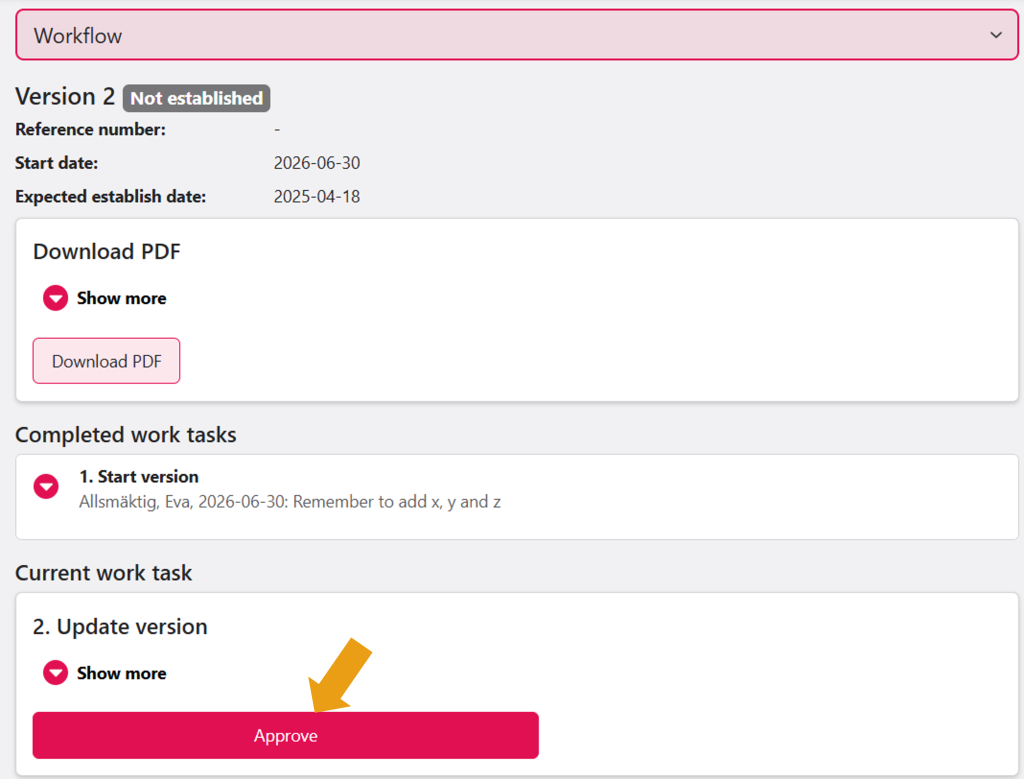
When you have finished making updates, the task needs to be completed. Only the role responsible for a task can complete it.
- Go back to the Workflow page via the top menu
- In the Current task panel, the person responsible for the task can approve it.
- Sometimes there is also an option to send it back to a previous step. If you send a task back, write a message explaining why. The message is shown in the list of completed tasks and is visible to the other parties.
The task is now completed. The process now moves on to the next task.